
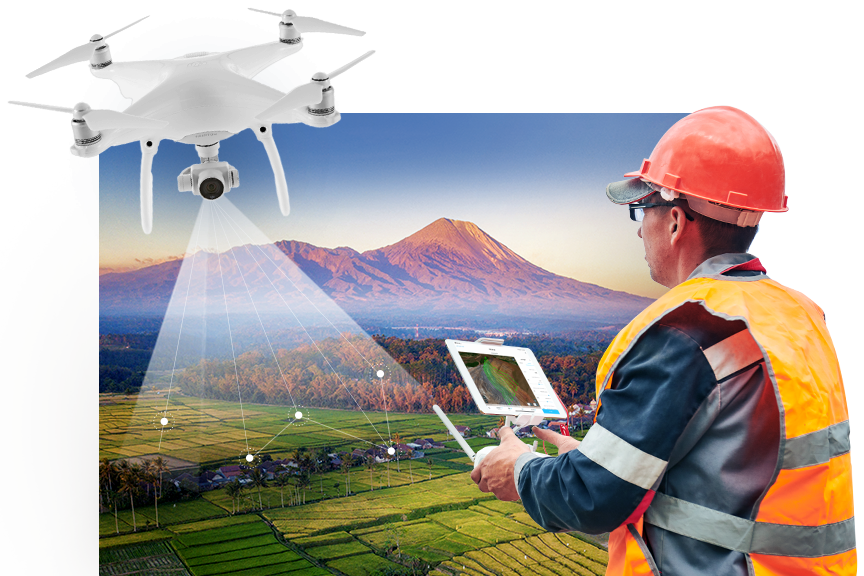
If you’re working with drone mapping and want a budget-friendly, fully open-source workflow for generating orthomosaics, Web-ODM and Node-ODM are honestly a game-changer. They let you process drone images, create maps, 3D models, contours, and much more — all without spending on expensive commercial software.
Let’s break things down in a simple, no-nonsense way.
What is Orthomosaicing?
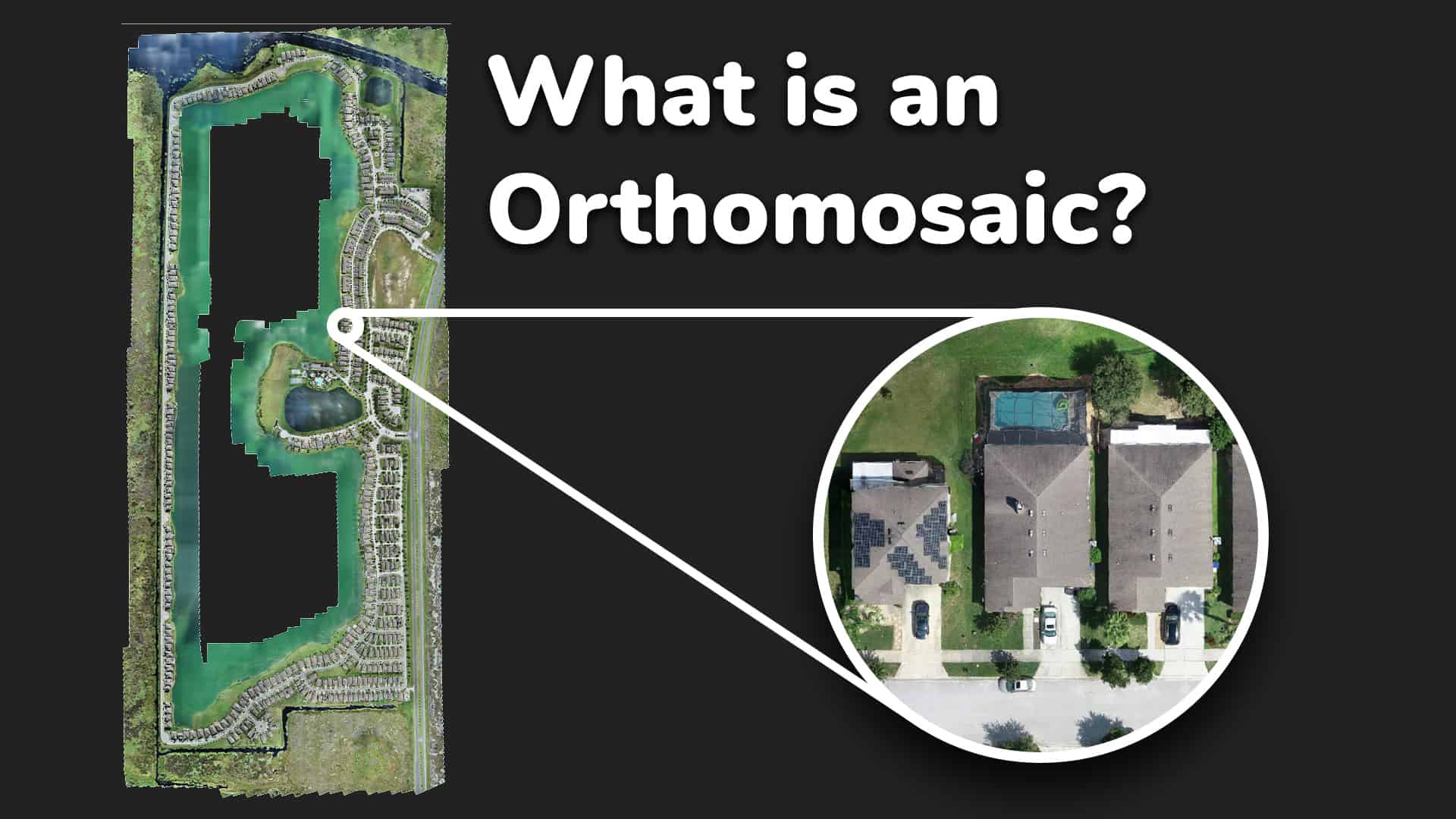
When you fly a drone and capture a bunch of overlapping photos, they’re all taken from slightly different angles. Orthomosaicing stitches these images together into one single, distortion-free, geo-referenced map.
Perfect for GIS work, land survey, agriculture, watershed analysis, or village planning.
Why Use Web-ODM?
Web-ODM is a browser-based interface built on top of ODM (OpenDroneMap).
You get:
-
A clean dashboard to upload your drone images
-
Automatic processing options
-
Easy export to GeoTIFF, DSM, DTM, 3D Models
-
Contours, vegetation indices, elevation profiles
-
Completely open-source
Plus, the community support is amazing.
Why the Node-ODM API Matters
Node-ODM is basically a processing engine that runs ODM tasks.
Using its API you can:
-
Automate image uploads
-
Trigger orthomosaic processing remotely
-
Integrate drone mapping with your own apps or GIS tools
-
Build your own WebGIS portal with automatic processing
If you’re into custom software or want to offer drone processing as a service, Node-ODM API is super handy.
Basic Workflow: Step-by-Step

1. Prepare Your Drone Images
-
Ensure 70–80% overlap
-
Maintain a steady altitude
-
Use proper ground control points for accuracy
-
Keep EXIF data intact
2. Upload Images to Web-ODM
-
Open Web-ODM in your browser
-
Create a new project
-
Add your images
-
Select processing options (Fast Orthophoto / High Quality / Terrain Model etc.)
3. Process and Generate Outputs
Web-ODM automatically runs the processing pipeline:
-
Image alignment
-
Point cloud generation
-
Mesh creation
-
DEM extraction
-
Orthomosaic stitching
You’ll end up with:
-
GeoTIFF Orthomosaic
-
DSM / DTM
-
Point Cloud (.las/.laz)
-
3D textured model
4. Automating With Node-ODM API
You can send tasks using simple POST requests.
Here’s the typical flow:
-
Send images to Node-ODM
-
Start a processing task
-
Check status
-
Download the results (orthomosaic, DEMs, etc.)
Perfect for automation, dashboards, or your own GIS-based web apps.
Advantages of Using Open-Source Tools
-
Zero licensing cost
-
Community-driven and constantly improving
-
Flexible for integration into any custom workflow
-
Great for government, academic, and research projects
-
You control your data — no cloud vendor lock-in
Where You Can Use This
This workflow is ideal for:
-
Land records & cadastral mapping
-
Smart village planning
-
Agriculture NDVI analysis
-
Watershed mapping
-
Construction monitoring
-
Road and canal work progress
-
College research projects
-
WebGIS portals

Final Thoughts
Web-ODM and Node-ODM together create a powerful open-source ecosystem for drone-based orthomosaicing. Whether you’re a GIS expert, developer, surveyor, or drone hobbyist, these tools give you full control over your mapping workflow.
If you’re planning to integrate drone processing into your website or WebGIS portal, using the Node-ODM API is hands-down the best approach.